Compare the whole burst.
Stack related shots, compare up to 10 at once, and inspect faces up close on your Mac.


LESS WAITING. BETTER PICKS.
Find your keepers. Compare the burst.
Get your photos ready to share.
Mac app · Private beta in testing
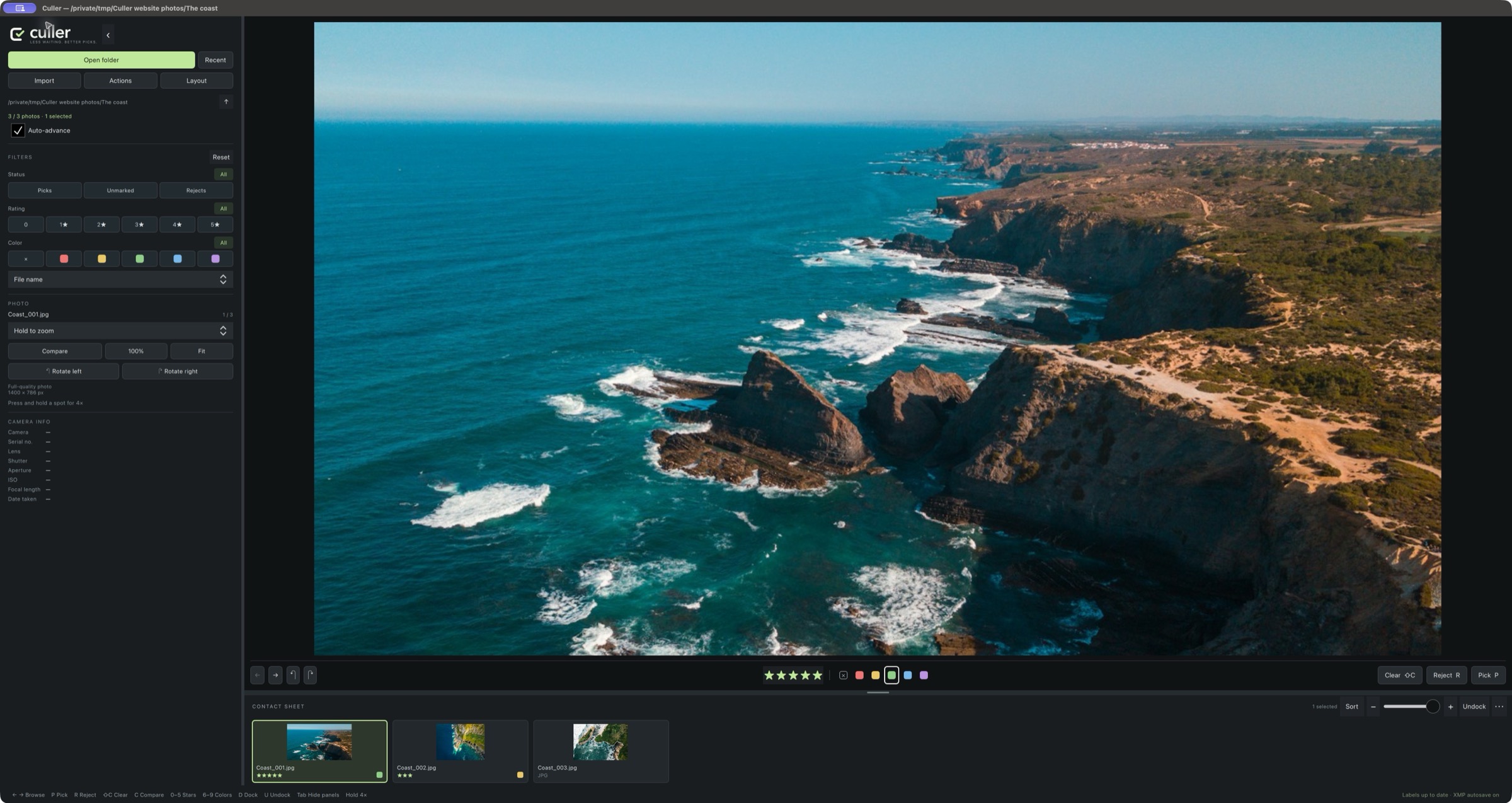
Stack related shots, compare up to 10 at once, and inspect faces up close on your Mac.
Import from a card with a verified backup. Pick, rate, and color the photos already copied.
Choose a size, drag to frame, and add a white border. Each photo keeps its own crop and settings.
ANNUAL PLAN · AT LAUNCH
All features. Two computers. Plus applicable tax.
Current private beta: 0.1.20 · Apple silicon & Intel
Public download coming soon. Try the browser demo while we finish testing. Windows is in development.
Culler supports many Canon, Nikon, Sony, Fujifilm, Panasonic, Olympus, and DNG files, plus common image formats. Support depends on the camera and encoding, and compatibility testing is ongoing. Not every RAW is supported.
For RAWs with XMP sidecars, read metadata from files in Lightroom Classic to import stars and colors. Color names must match your Lightroom label set. Pick/reject flags are specific to Culler; Lightroom develop edits aren’t rendered. JPEG, TIFF, and DNG metadata workflows can differ.
The paid release will cost $19.99 USD per year plus applicable tax, with a 7-day trial and two computer activations. All updates are included while subscribed. Cancel renewal anytime; access continues through the paid year. Sales are not open yet. More about the license →
Your photos stay on your drives. Face previews are processed on your Mac. Instagram export saves JPEGs to a folder you choose; you decide where to share them.